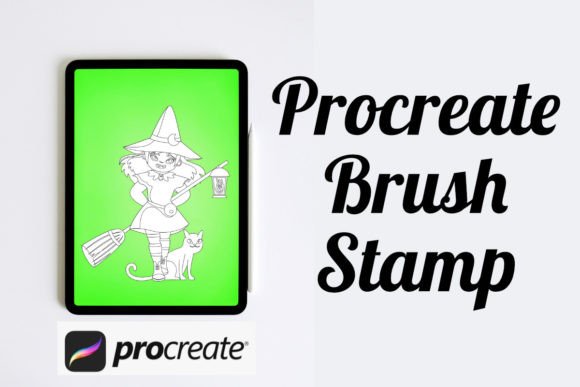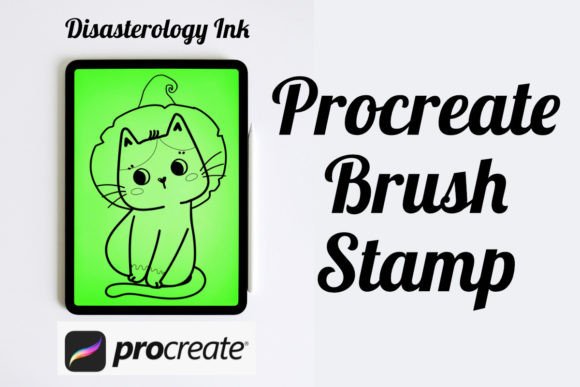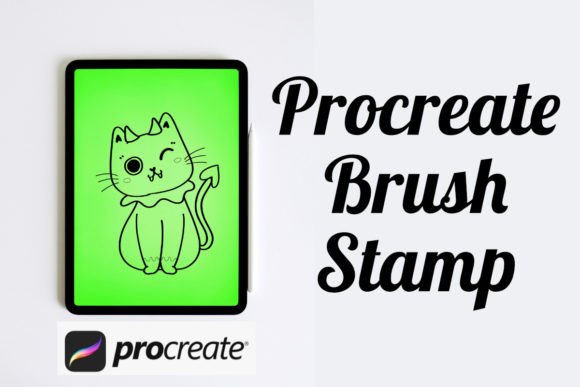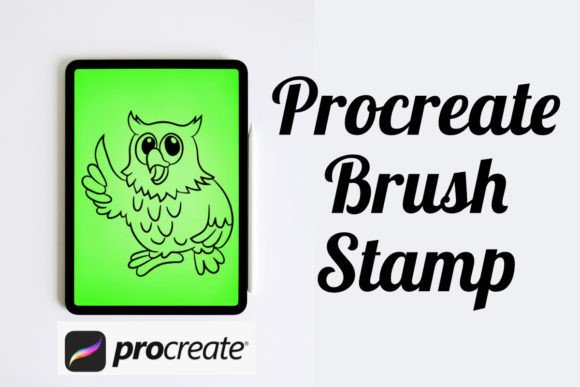
Streamlining Halloween Illustrations with the Cat in a Pumpkin Procreate Brush Stamp
Digital illustration offers unparalleled flexibility, yet the pressure to produce high-quality seasonal content often clashes with the time-intensive nature of detailed drawing. For artists working within the Procreate ecosystem on iPad or Procreate Pocket on iPhone, efficiency is not just about speed; it is about maintaining creative momentum without sacrificing aesthetic integrity. This is where specialized assets like the Cat in a Pumpkin Procreate Brush Stamp become valuable tools in a designer’s workflow. Rather than replacing artistic skill, these stamps serve as foundational elements that accelerate the drafting and detailing phases of Halloween-themed projects.
Understanding the utility of a stamp brush requires looking beyond the immediate visual output. It involves evaluating how such a tool integrates into broader design processes, comparing it against manual drawing methods, and determining whether it aligns with specific project requirements. This analysis explores the practical applications, distinct advantages, and necessary considerations for incorporating a cat-in-pumpkin stamp into your digital art toolkit.
Defining the Utility of Specialized Stamp Brushes
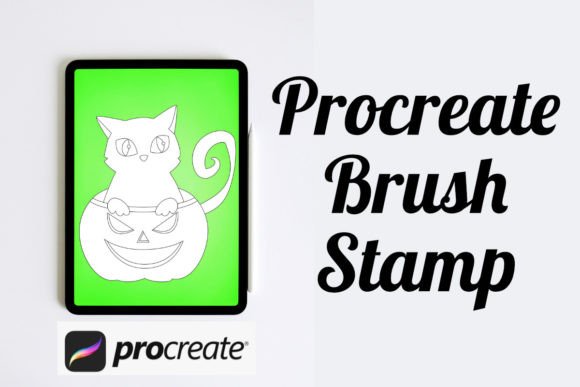
A stamp brush in Procreate differs significantly from standard texture or shape brushes. While a typical brush might create a scattered pattern or a single stroke element, a stamp like the Cat in a Pumpkin Procreate Brush Stamp is designed to place a complete, pre-rendered illustration onto the canvas with a single tap. This distinction is crucial for users who need consistent, complex imagery without redrawing the same motif repeatedly.
The primary value proposition lies in consistency and speed. When creating patterns for textiles, wrapping paper, or social media backgrounds, manually drawing dozens of identical or slightly varied cats inside pumpkins is inefficient. A stamp brush ensures that each instance maintains the same structural integrity, line weight, and stylistic nuance. Furthermore, because these assets are optimized for both Procreate and Procreate Pocket, they offer cross-device compatibility, allowing artists to begin concepts on an iPhone and refine them on an iPad without losing asset fidelity.
Comparing Stamps to Manual Illustration and Vector Assets
To make an informed decision about adopting this tool, it is helpful to compare it with alternative approaches. The most obvious alternative is manual illustration. Drawing a cat nestled in a pumpkin from scratch allows for total creative control over pose, expression, and lighting. However, this method is time-consuming. If a project requires a seamless pattern with fifty repetitions, manual drawing becomes impractical. The Cat in a Pumpkin Procreate Brush Stamp bridges this gap by providing a high-quality base that can be modified, colored, and arranged rapidly.
Another common alternative is using vector assets imported from software like Adobe Illustrator. Vectors offer infinite scalability, which is beneficial for large-format printing. However, integrating vectors into Procreate often requires rasterization, which can lead to quality loss if not managed correctly. Additionally, vector workflows lack the tactile, painterly feel that many Procreate users prefer. A native Procreate brush stamp retains the app’s natural blending capabilities, allowing artists to paint over, shade, and texture the stamp directly within the interface. This seamless integration makes the stamp a more fluid choice for digital painters who prioritize workflow continuity over vector precision.
Evaluating Strengths and Limitations
Like any digital resource, the Cat in a Pumpkin Procreate Brush Stamp has specific strengths and tradeoffs. Recognizing these factors helps determine when the tool is the right fit for a project.
- Speed and Efficiency: The most significant advantage is the reduction in production time. Artists can populate a canvas with thematic elements in seconds, freeing up time for lighting, background details, and color grading.
- Customizability: Unlike static clipart, a Procreate brush stamp is placed on its own layer or can be merged and edited. Users can change colors, add shadows, adjust opacity, or combine multiple stamps to create unique compositions. The ability to use the stamp once or multiple times per design offers flexibility for both simple icons and complex scenes.
- Stylistic Consistency: For brands or creators maintaining a specific aesthetic, using a single stamp source ensures that every cat and pumpkin shares the same artistic voice, preventing the disjointed look that can occur when mixing assets from different creators.
However, there are limitations to consider. The primary constraint is uniformity. If every stamp is used without modification, the resulting design may appear repetitive or generic. To mitigate this, artists must employ techniques such as rotation, scaling, and color variation. Additionally, while the stamp provides a strong starting point, it may not suit projects requiring highly specific anatomical accuracy or unique character designs that deviate significantly from the stamp’s original style.
Practical Use Cases and Decision Factors
Determining whether to invest time in learning and utilizing this brush depends largely on the nature of your work. Here are several scenarios where the Cat in a Pumpkin Procreate Brush Stamp excels:
- Surface Pattern Design: Creating repeating patterns for fabric, stationery, or packaging often requires numerous iterations of a central motif. A stamp brush allows for rapid arrangement and testing of spacing and flow.
- Social Media Content: During the Halloween season, content creators need to produce graphics quickly. Using a stamp for decorative elements allows for faster turnaround times on stories, posts, and reels covers.
- Digital Planner Stickers: Many users create digital stickers for GoodNotes or Notability. A high-quality stamp can serve as the base for a sticker sheet, which can then be customized with different expressions or accessories.
- Concept Art and Storyboarding: When blocking out scenes for children’s books or animations, placeholders are essential. A themed stamp can quickly establish mood and composition before final illustrations are drawn.
Conversely, this tool may not be the best choice for fine art pieces where originality and unique hand-drawn qualities are paramount. If the goal is to showcase individual drawing prowess or create a one-of-a-kind portrait, relying on a stamp might undermine the artistic intent. In such cases, manual illustration remains the superior approach.
Integration with Procreate and Procreate Pocket
One of the technical strengths of this asset is its compatibility across Apple’s mobile devices. Whether you are sketching on the go with Procreate Pocket on an iPhone or executing detailed work on an iPad with Procreate, the brush functions identically. This portability is vital for professionals who switch between devices depending on their location or available time. The stamp’s resolution is typically optimized to remain crisp even when scaled, ensuring that details like the cat’s whiskers or the pumpkin’s ridges do not pixelate unnecessarily.
Moreover, the non-destructive nature of Procreate layers means that using a stamp does not lock you into a final result. You can lower the opacity of the stamped layer and trace over it to add personal touches, or use clipping masks to change colors without altering the original shape. This hybrid approach—combining the speed of a stamp with the flexibility of manual painting—offers a balanced workflow that respects both efficiency and creativity.
Making an Informed Choice
Ultimately, the decision to use a Cat in a Pumpkin Procreate Brush Stamp should be guided by your specific project goals and workflow preferences. It is not a replacement for fundamental drawing skills but rather a strategic resource that enhances productivity. For artists seeking to streamline their Halloween-themed creations, this tool offers a compelling blend of convenience and quality.
When evaluating this or similar resources, consider the following: Does the style match your existing portfolio? Will the time saved outweigh the cost of acquisition? Can you effectively customize the asset to avoid repetition? By answering these questions, you can determine if this stamp aligns with your creative needs. For many digital artists, the answer is yes, particularly when facing tight deadlines or high-volume content requirements. The key lies in using the tool as a foundation, not a crutch, allowing your unique artistic voice to shine through the efficiencies it provides.